Online Gradiënt Generator — Maak je eigen kleuren
Professional color gradients for modern developers
Build Your Gradient
Adjust the angle, add color stops, and preview your gradient in real time. The editor supports linear, radial, and conic gradient modes with full CSS output.
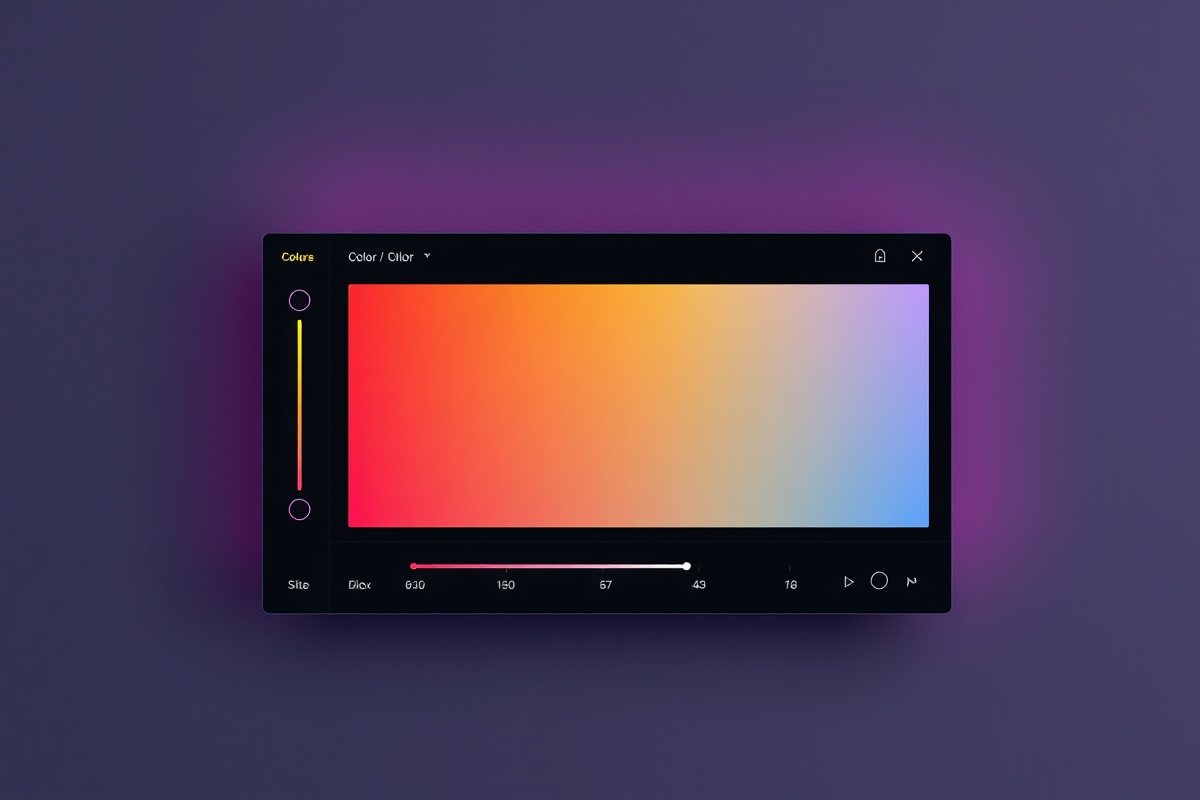
Gradient Controls
Set your gradient direction with the angle slider (0°–360°) or pick a preset direction like to-right, to-bottom-right, or to-top. Add up to 8 color stops by clicking the track below the preview. Each stop supports hex, RGB, and HSL input with an alpha channel for transparency. The live preview updates instantly as you adjust values.
Switch between linear-gradient, radial-gradient, and conic-gradient modes using the toggle at the top-left of the editor. Radial gradients let you choose ellipse or circle shapes and adjust the position keyword (center, top, farthest-corner, etc.).
Copy Code in Any Format
One gradient, multiple outputs. Grab the CSS, SCSS, Tailwind config, or a PNG/SVG file with a single click.
CSS & SCSS Snippets
Get production-ready background: linear-gradient(...) code with vendor prefixes included. The SCSS export wraps your gradient in a reusable @mixin gradient-bg($name) that you can drop straight into your stylesheet. Both outputs are minified and validated against the CSS Color Module Level 4 spec.
Tailwind & CSS Variables
Export a Tailwind-compatible --gradient-hero custom property or a full tailwind.config.js extension entry. The generator maps your color stops to Tailwind's via() and to() utility syntax so you can use the gradient directly in class names like bg-gradient-to-r from-[#6366f1] via-[#a855f7] to-[#ec4899].
Image Export — PNG & SVG
Render your gradient as a raster PNG at any resolution (up to 4096×4096 px) or as a scalable SVG with embedded <linearGradient> definitions. Ideal for hero backgrounds, button fills, or design handoff files. SVG exports include a viewBox and are under 1 KB for most 2-stop gradients.
Color Palette Export
Download the individual stop colors as a .ASE (Adobe Swatch Exchange) file, a .ACO file for Photoshop, or a plain CSV with hex, RGB, and HSL columns. The palette export is useful when you want to reuse the stop colors outside the gradient context — for example in Figma, Sketch, or your brand guidelines.
Your Saved Gradients
Gradients you've saved to your ColorFlow library appear here. Click any card to reload it into the editor and continue tweaking.
Sunset Drift
linear-gradient(135deg, #f97316 → #f43f5e → #7c3aed) — saved 2 hours ago. 3 stops, 135° angle. Used in the Q3 marketing site hero banner.
Deep Ocean
linear-gradient(180deg, #0f172a → #1e3a5f → #0ea5e9) — saved yesterday. 3 stops, 180° angle. Dark-mode dashboard background.
Aurora Borealis
conic-gradient(from 90deg, #10b981 → #06b6d4 → #8b5cf6 → #10b981) — saved 3 days ago. 4 stops, conic mode. Featured in the product launch animation.
Warm Peach
radial-gradient(circle at 30% 20%, #fed7aa → #fdba74 → #fb923c) — saved last week. 3 stops, radial mode. CTA button background for the checkout flow.